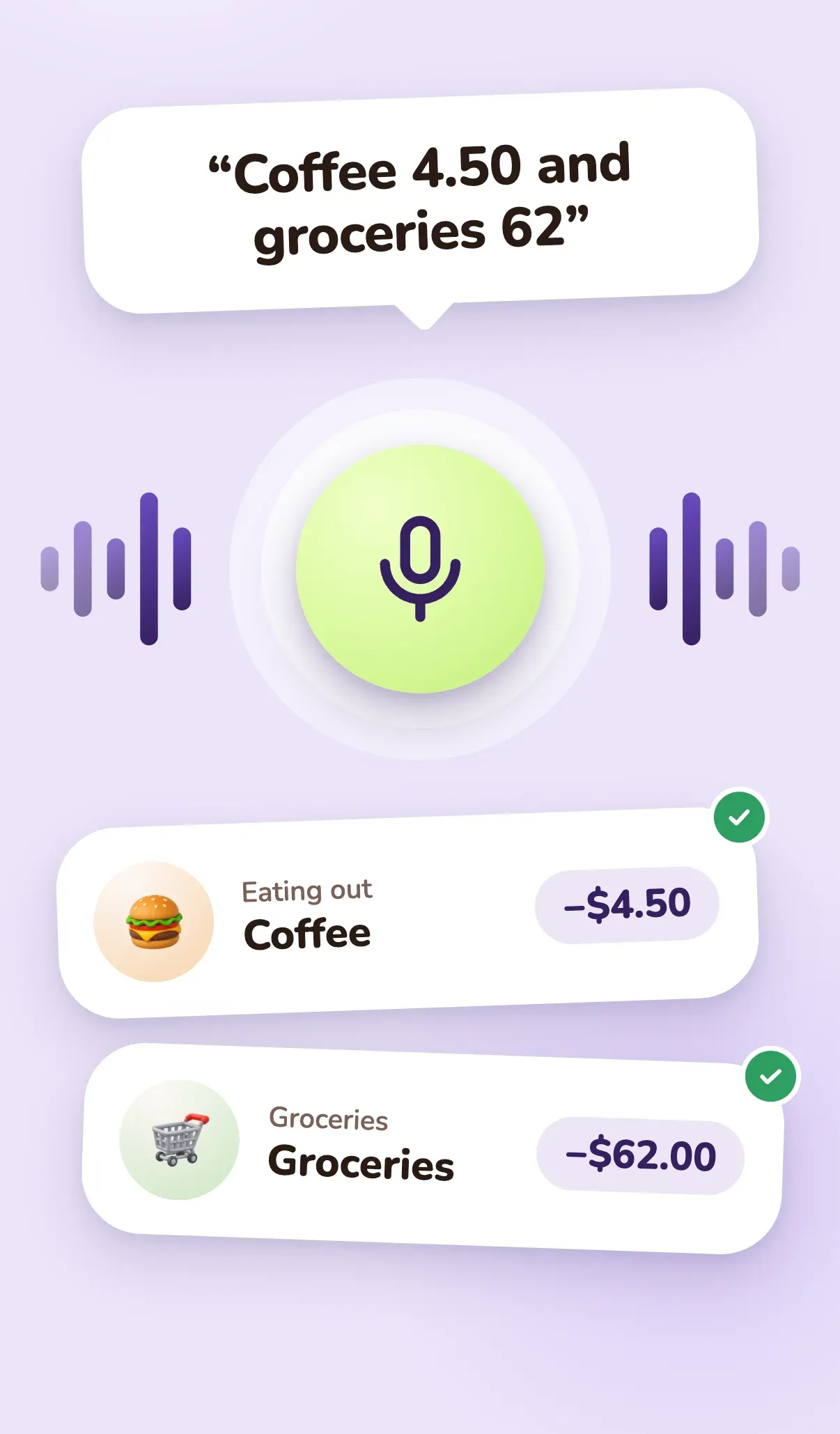
Why track expenses by voice?
Most expense trackers ask you to open the app, pick a category, type an amount and add a note. It only takes a minute, but after a week of coffees and parking it feels like homework, and most people stop. Saying an expense out loud takes a few seconds, so it’s easy to keep doing every day. That’s what makes a daily expense tracker work: you actually use it.
What you can say
Talk the way you normally would. A few examples:
- “Lunch was 14 bucks”
- “20 on gas”
- “Groceries were 62.40 and coffee 4.50”
- “Got paid 1,500 today”
Sayvings works out the amount, picks a category and fills in the date. You see the entry before it’s saved, so you can fix anything it misheard.
How it works
- Tap the mic on the home screen.
- Say what you spent or earned. One item or several.
- Check the entries Sayvings shows you, then save.
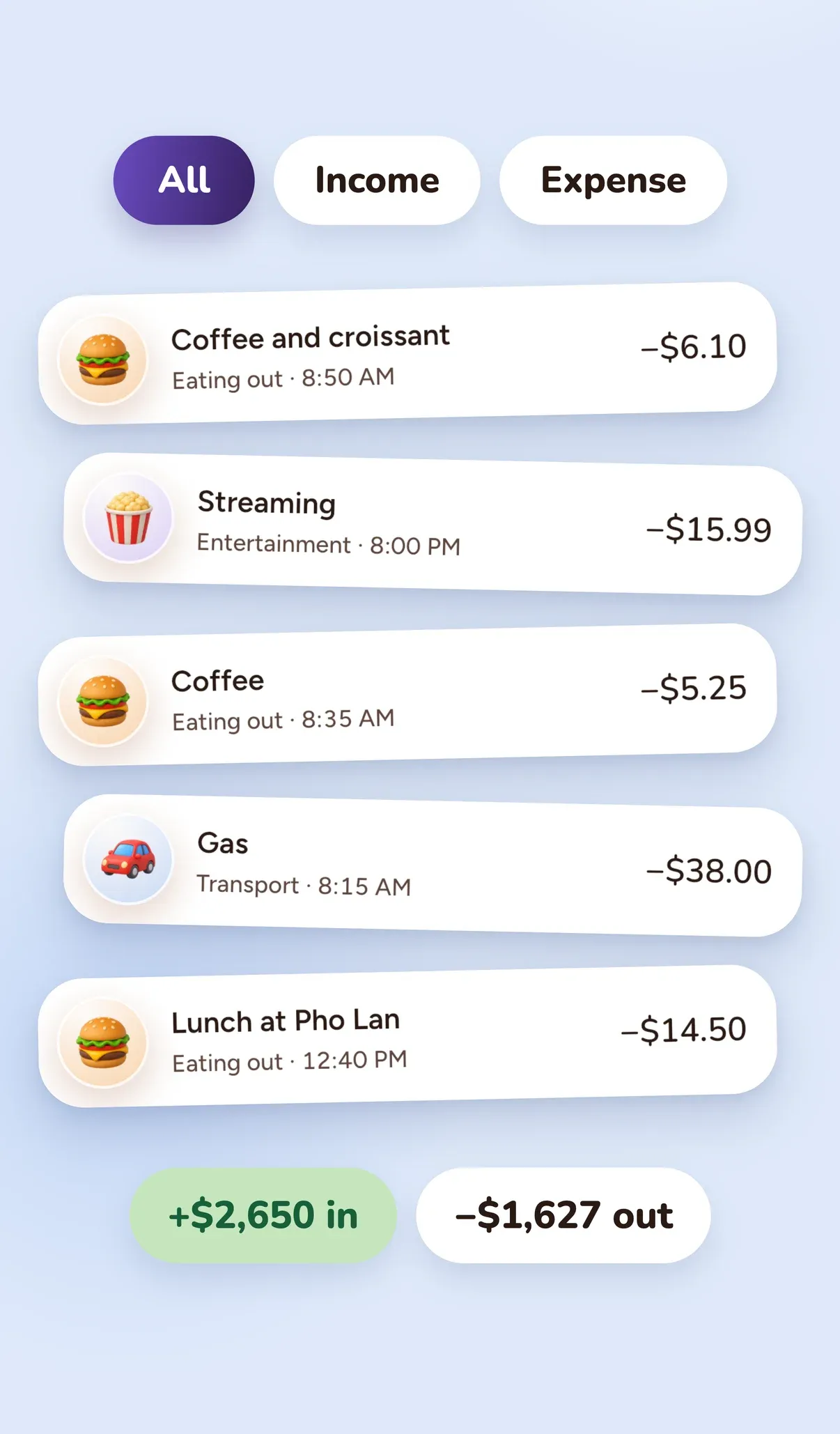
- See it add up. Your budget, month and insights update right away.
Every entry stays editable
Voice is the fast way in, not the only way. You can type an entry, edit any detail later, change its category or delete it. Make your own categories if the built-in ones don’t fit.
What happens to your recording
Your voice is only used to create the entry. Recordings are deleted after they become entries, and Sayvings has no ads and no tracking. See the Privacy Policy for the details.
Voice entry is part of Sayvings Pro. The yearly plan starts with a free trial. See pricing.
 Receipt scanner
 AI budgeting app
 How to track expenses